Start with an official calendar link: four app stages, six planning checks.
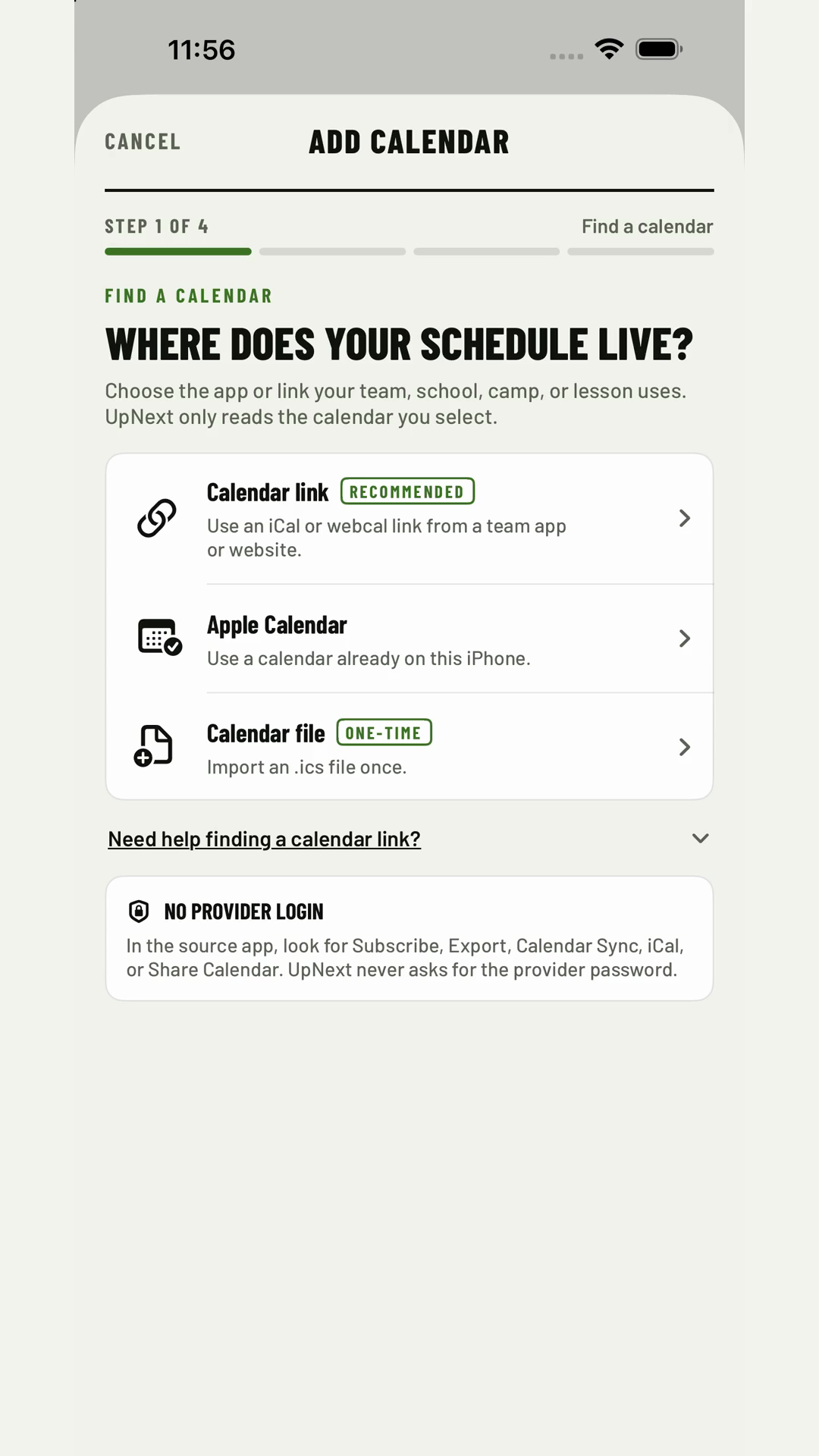
This alternative does not autoplay, loop or animate. UpNext's Add Calendar flow has four in-app stages; this tutorial expands them into six planning checks. Find the link in the relevant UpNext provider guide, then follow these fictional steps. It does not show a real provider account or calendar URL.
- Start with the official calendar link.
- Add each fictional feed to one family view.
- Review what moved before it changes the day.
- Check when siblings are scheduled at once.
- Check travel and leave-by pressure.
- Keep subscription links private.